


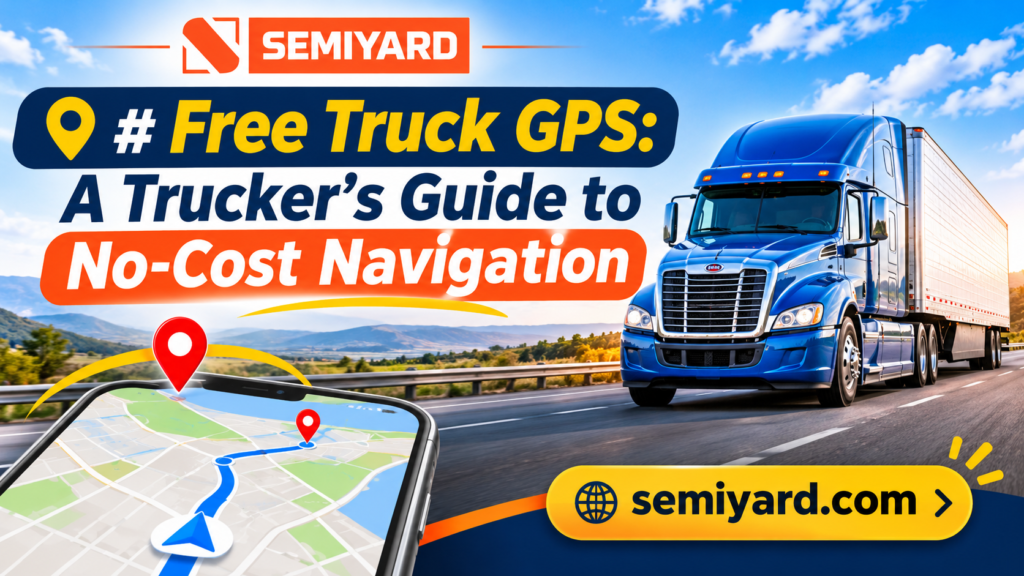
Quick answer: Yes, truck drivers can use truck-specific GPS for free. Semiyard’s new free truck GPS routes around low bridges, weight limits, and no-truck zones based on your vehicle profile. Set your truck’s height, weight, length, and cargo type before every trip, keep a backup, and always follow road signs over the screen.
Yes, you can get truck-specific GPS for free, and Semiyard is now launching its own free truck GPS service. It joins Semiyard’s truck parking, load board, and trucking services, so drivers can plan the route and the rest of the trip in one place.
For new drivers and owner-operators watching every dollar, a free truck GPS on your phone can replace an expensive dedicated unit for everyday use. It just needs to be set up correctly and used with good judgment.
This guide explains why you need a truck-specific app, covers what to look for in a free app, and walks through setup. App features and pricing change often, so confirm current details in the app store before you rely on any app.
Table of Contents
ToggleWhat is Semiyard’s free truck GPS?
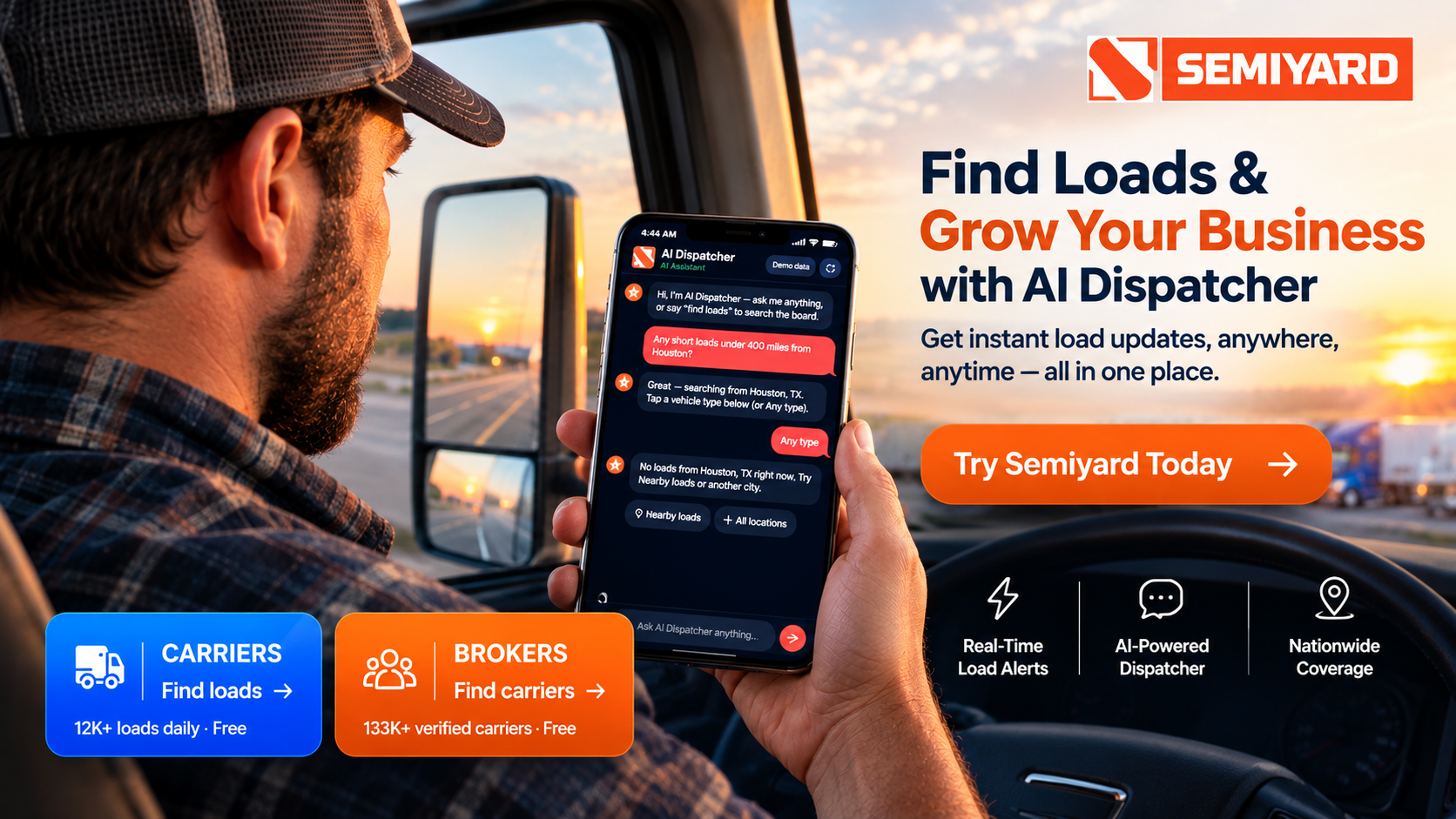
Semiyard is adding free truck GPS to its all-in-one trucking platform. It is built for professional drivers who need routing made for big rigs, not cars, without paying for an expensive unit or subscription.
Why it matters for drivers:
- Free to use. Truck navigation without another monthly bill.
- Built for trucks. Designed to route around the low bridges, weight limits, and no-truck zones that car apps miss.
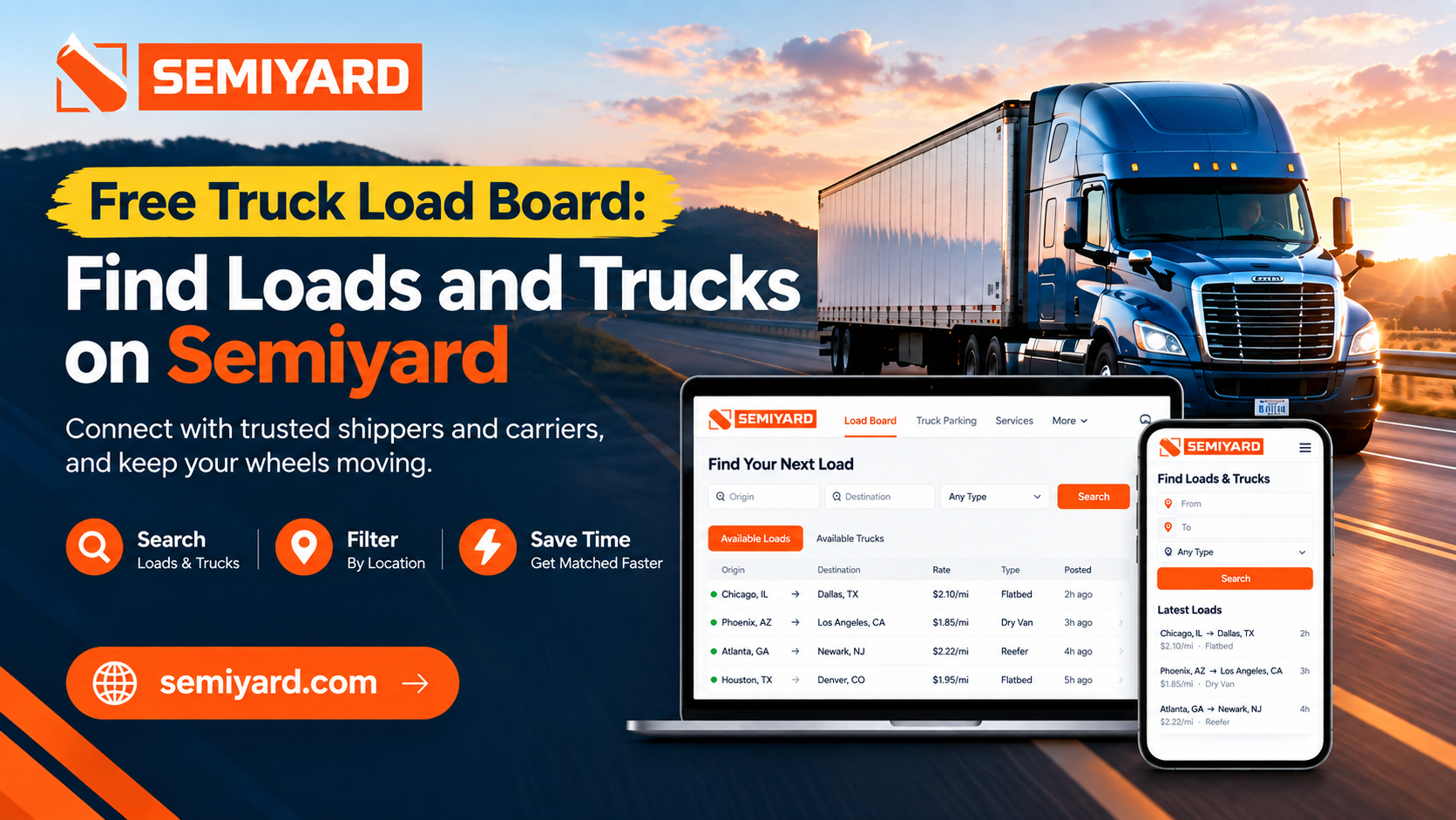
- One platform for the whole trip. Plan your route, book secure truck parking for the night, find your next load, and locate repair services, all from Semiyard.
- Made for owner-operators and small fleets who want to cut costs without cutting corners on safety.
Try Semiyard’s free truck GPS at Semiyard.com.
Why do truck drivers need truck GPS instead of a car app?
Regular car navigation apps are built for cars. They do not know your truck is 13’6″ tall, weighs up to 80,000 pounds, or is hauling hazmat. That means they can send you:
- Under low bridges and overpasses
- Onto roads with weight limits or truck bans
- Through residential streets where trucks are not allowed
- Into tunnels or areas closed to hazmat loads
- Down tight roads with no room to turn around
The costs are real. FMCSA sets penalties of up to $2,750 for a driver and $11,000 for a company for failing to follow a posted route restriction (FMCSA), and a bridge strike can mean truck damage, cargo damage, and a long day stuck in one spot.
Car apps still have a place as a backup. Their live traffic data and street view are handy for checking a tricky delivery location before you arrive.
What should you look for in a free truck GPS?
Not every free app that says “truck” is a real truck GPS. Before you download one, make sure it offers these features:
- A full vehicle profile where you enter height, length, width, weight, and number of axles. If an app does not ask for these, it is not truck GPS.
- Hazmat routing that keeps you off roads and tunnels closed to hazardous loads.
- Truck restriction awareness for low bridges, weight limits, and no-truck zones.
- Truck-friendly points of interest such as truck stops, fuel, rest areas, and weigh stations.
- Regular map updates, since roads and restrictions change.
Also check what is actually free. Some apps advertise as free but put truck routing behind a paid upgrade, so read the details before you depend on it.
Regular car navigation apps still have a place as a backup. Their live traffic and street view are useful for scouting a tricky delivery address, but never use them as your main truck route.
How do you set up a free truck GPS correctly?
A truck GPS is only as good as the information you give it. Before your first trip:
- Create your vehicle profile. Enter your truck’s exact height, length, width, total weight, and number of axles.
- Set your cargo type. Turn on hazmat settings and select the right class when you haul hazardous materials.
- Choose your route preferences, such as avoiding tolls, ferries, or unpaved roads.
- Mount your phone securely within easy view.
- Update the profile every time your setup changes, such as a different trailer, a heavier load, or a hazmat shipment.
How can you use truck GPS safely?
- Road signs always win. If a sign says low clearance or no trucks, follow the sign, not the app. No GPS map is perfect.
- Plan the route before you drive. Review it while parked, especially the last few miles to the shipper or receiver.
- Scout tricky deliveries with street view or satellite images on a car app.
- Use two apps. Keep a second truck GPS or a road atlas as a backup in case one fails or loses signal.
- Keep hands off the phone while driving. FMCSA rules bar commercial drivers from holding a phone to make a call or pressing more than one button to dial, and violations can bring fines and disqualification (FMCSA). Set your route while parked and keep the phone mounted within easy reach.
- Carry a charger and power bank. Navigation drains batteries fast.
- Report map errors in the app when you find them. Free community apps get better when drivers share updates.
Frequently asked questions
Is there a free GPS for semi trucks?
Yes. Semiyard offers free truck GPS built for commercial drivers. It routes based on your truck’s dimensions, weight, and cargo, so it can avoid low bridges, weight-restricted roads, and no-truck zones, without a monthly subscription.
Can I use a regular car GPS app in a semi truck?
Not as your main navigation. Car apps do not know your truck’s height, weight, or cargo, so they can route you under low bridges or onto restricted roads. Use them only as a backup for live traffic or to scout a delivery address.
What information does a truck GPS need?
Enter your truck’s height, length, width, total weight, number of axles, and cargo type, including hazmat class if it applies. Update the profile every time you change trailers or haul a heavier or hazardous load.
Is it legal to use a GPS app while driving a truck?
Yes, if you follow FMCSA rules. Mount the phone within easy reach, set your route before you drive, and use single-touch controls only. Holding the phone or pressing multiple buttons while driving is not allowed.
What happens if I ignore a posted truck route restriction?
FMCSA penalties can reach $2,750 for a driver and $11,000 for a company, on top of the risk of a bridge strike, truck damage, and lost time.
Should I follow the GPS or the road signs?
Always the road signs. No map is perfect, and posted restrictions are the law. If a sign shows a low clearance or no trucks, follow it even when the GPS says otherwise.
Plan your whole trip with Semiyard
A free truck GPS gets you there safely without adding to your costs. Set up your vehicle profile carefully, keep a backup, and always trust road signs over the screen.
With its new free truck GPS, Semiyard now covers the whole trip: navigate your route, book secure truck parking at the end of the day, find your next load on the load board, and locate maintenance and repair services when you need them.
Run a repair shop or trucking service? List your business on Semiyard so drivers can find you along their routes.
Start using Semiyard’s free truck GPS at Semiyard.com.
Want to dig deeper? Learn whether paid truck parking is worth the money, and find out how to choose the right truck repair shop.